
December 2020 Features – mySafetyAssistant Health and Safety Management Software
We’ve released our new Learning Management Platform to production. It allows you to manage all your organization’s courses.
To get started:
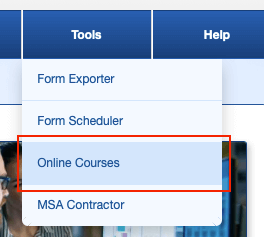
- Simply select the menu “Online Courses” under tools.
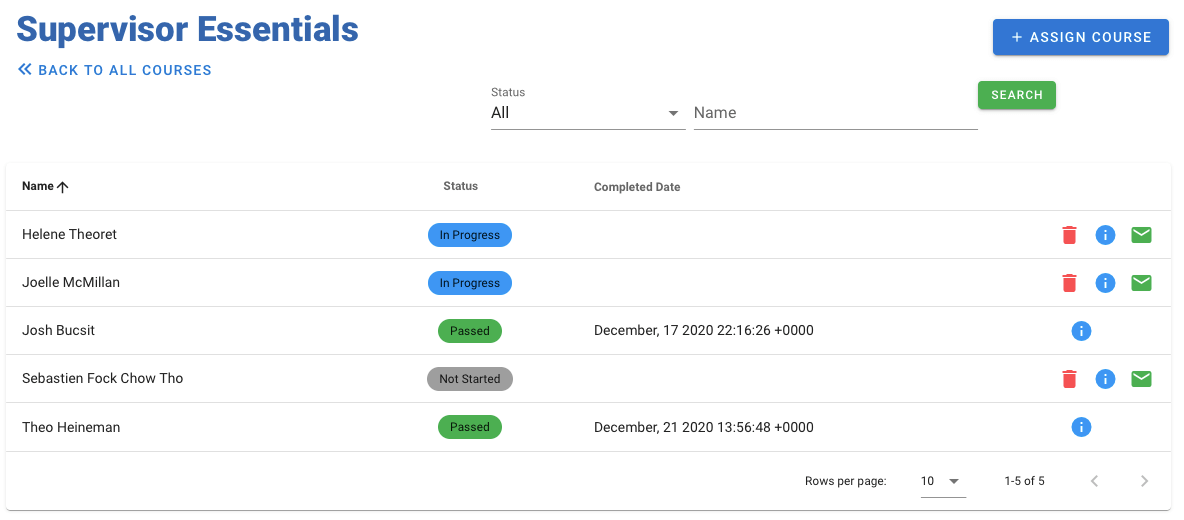
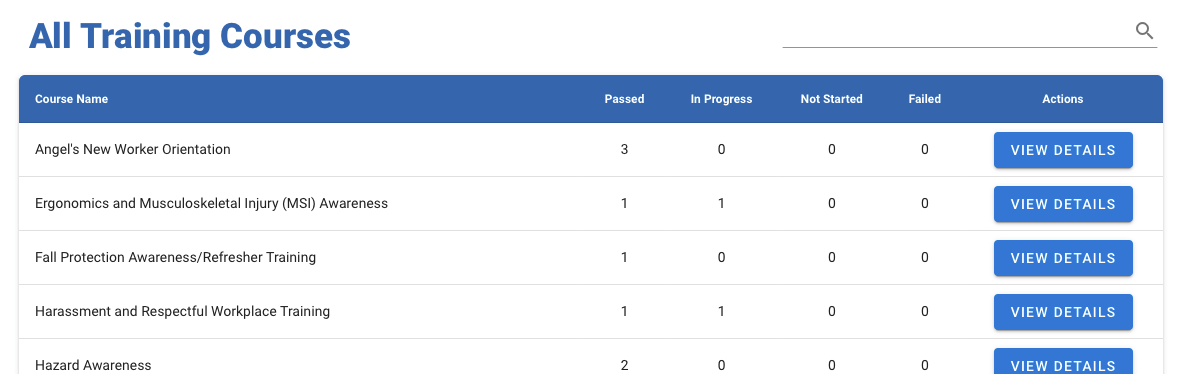
2. On the first screen, there is a list of all the courses available to your organization. Selecting “View details” allows you to see the course statistics and assign the course to additional employees.
3. You can also select the “Records” menu at the top, if you want to see the courses by employees instead.