
Summary of July Releases
-
- Easier Form Viewing: For ease of information finding, we have, in the form details when viewing a form, changed the field “Custom label” to “Form Title”

- Easier Form Viewing: For ease of information finding, we have, in the form details when viewing a form, changed the field “Custom label” to “Form Title”
-
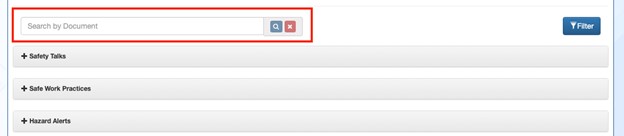
- 1Life “Resource Library” Search Bar has been added to save time when looking for specific resources to add to your document library.
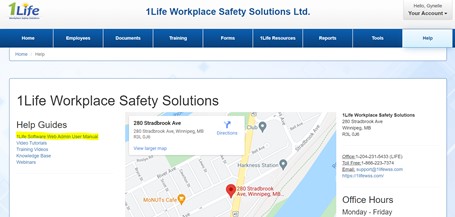
- 1Life Software Web Administrator User Manual has been updated. The manual can be found under the Help tab.
- Learning Management System
- We’ve made it easier for users to see if and how many notes they have taken on their current course and a big one for our iPhone users.
- iPhone users can now navigate courses without having to manipulate their screen and zoom out. Now training should be seamless on any device.
- Web Admins, if you deleted a course that was assigned and in use by your employees, they will now receive a message stating the course has been deleted.
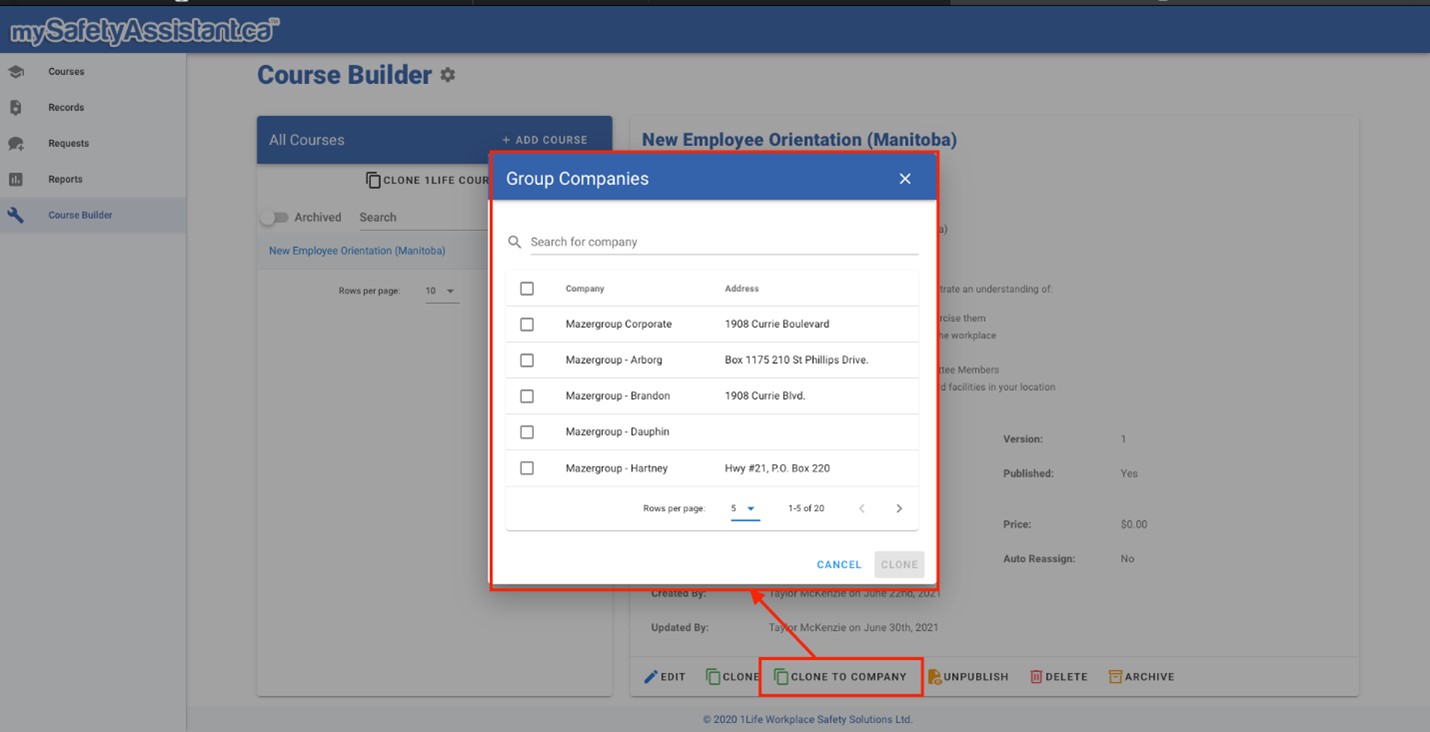
- For our Group Admin accounts, now you can clone courses across organizations/branches. Saving time and ensuring consistent training across your entire organization.
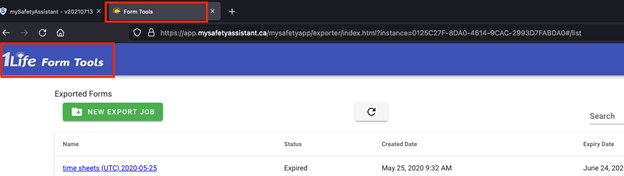
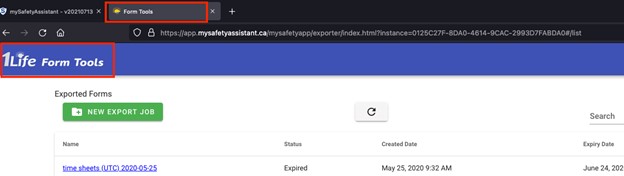
- 1Life – Form Tools (previously “Form exporter”) as been updated. Form tools can be found in the Tools tab and here is where you will find form exporter and finalize forms.
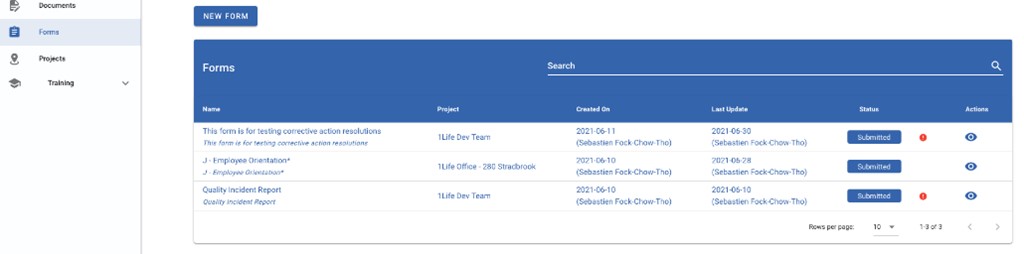
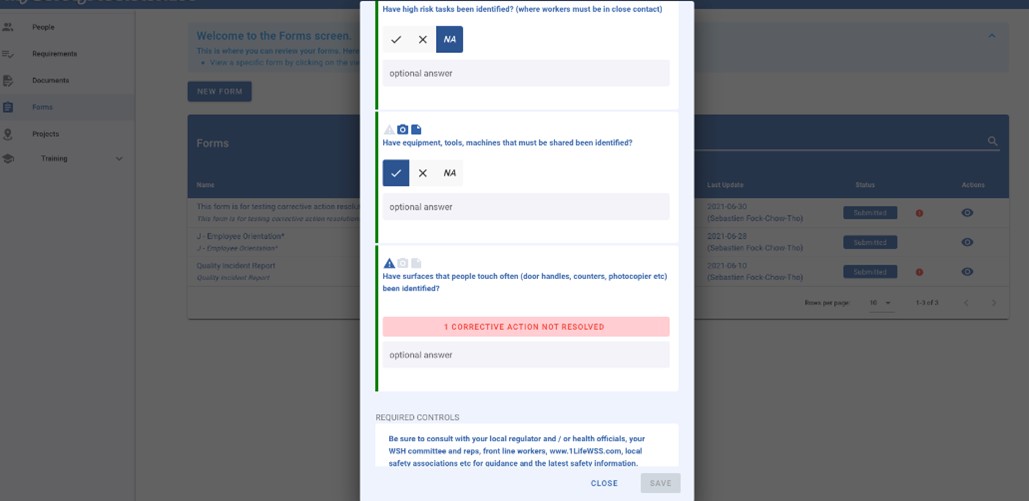
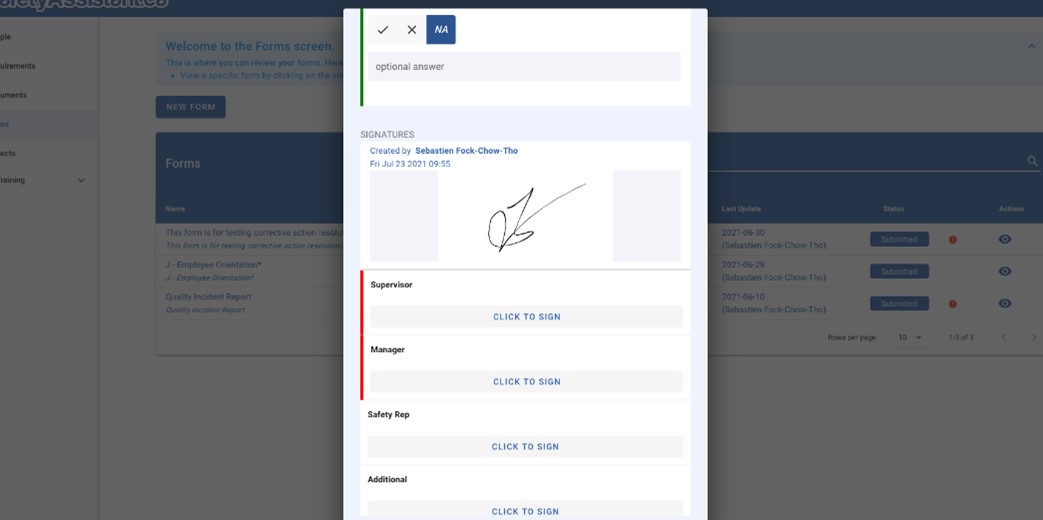
- 1Life Contractor Manager Now you can fill out forms on the Contractor web tool! This is absolutely amazing! 😊 Now a project manager or supervisor can simply complete the form and send it out right from their computer.
Here’s a quick summary of the new features:
- Primes and sub employees can now view all their forms directly in 1Life – Contractor
- Primes can now fill out new form and edit existing one without restrictions
- Sub employee administrators can also fill out forms without restrictions
- Regular sub employees can fill out new forms and edit the ones related to them (created by them, assigned to them or with corrective actions assigned to them)
- Software Platform Re-Branding: We are transitioning from “mySafetyAssistant” to “1Life”, which you may have already seen the new 1Life logos throughout the platform. If you do not see the new icon, simply hold shift, and click refresh.