
Our developers have been hard at work! Welcome to the June feature releases and bug fixes:
Changes to 1lifewss.com
1LifeContractor Log-In: a QUICK-LINK has been created on the homepage allowing both prime and sub-contractors quick access the platform. Simply visit 1Lifewss.com, click on Login, and select ContractorManager.
(https://app.mysafetyassistant.ca/mysafetyapp/contractor/login)

We have released 1LifeContractor!
It is finally here! Our mobile 1LifeContractor (iOS) app was approved by Apple and it’s available on the Apple Store here.
Please note that the application should be considered a beta release. As we receive feedback, we continue to create a better experience for our users.
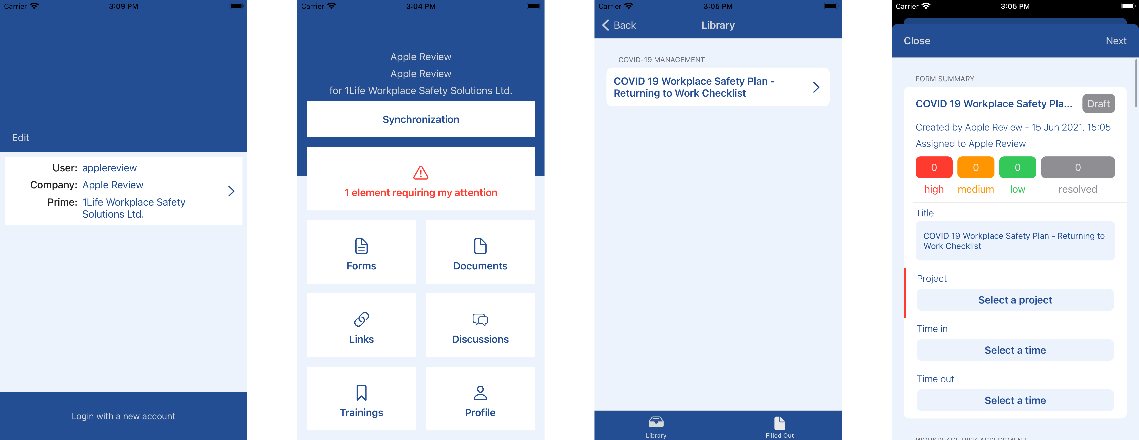
1Life – Contractors helps general contractors to manage their trades by facilitating filling out forms, signing documents and taking training courses.
The application allows General Contractors to more easily manage and monitor their sub-trades.
Functionality includes:
- On their mobile devices, sub-contractors can:
- Complete and submit forms required by the Prime.
- Assign forms to other employees or the Prime Contractor Site Supervisor.
- View and sign documents. No more chasing paper copies!
- Take training courses like a site orientation – before arriving on site!
- Participate in job site chat feed
- View web-links shared by the General (i.e.: to drop box files)
Changes to 1LifeContractor:
The ability to assign Online (Mobile) Courses to sub- contractors.
Yes, you heard right! Site Orientations taking too much time and energy? Well no more! Create site specific orientations complete with exam on the new Course Builder and assign to your sub-contractors. Once the course is complete, subs will receive a certificate with your logo!
Here’s a few highlights:
- Any General Contractor web admin can manage and assign courses to sub-trades
- Your trades will only have access to the courses you have assigned.
- Sub-contractors (trades) can take their courses directly from the contractor platform! There is no need for being redirected to the LMS and/or entering their credentials twice!
- We’ve created a common login screen to access the contractor platform where both primes and subs can login: https://app.mysafetyassistant.ca/mysafetyapp/contractor/login
- Just like the LMS platform, the menu “Courses” lists all your custom course and the stats for your sub, meanwhile the “Records” menu provides you with a list of sub-contractor employees and all their courses.
- Just like with the LMS platform, email notification are sent to users upon course assignment / expiration.
Some other changes, include;
- We’re reordered the left menu panel.
- We’ve renamed the menu “Employee” to “People.”
- Employee documents have been renamed “Documents / Trainings.”
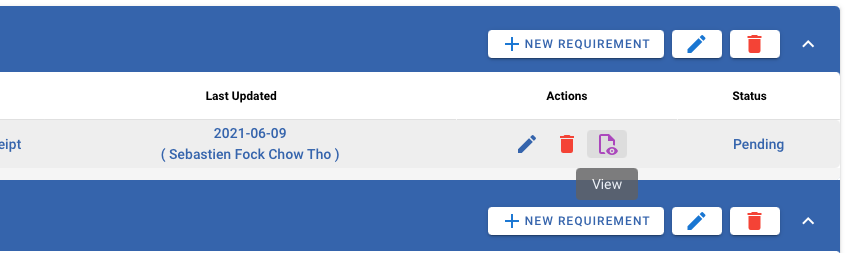
- We’ve added helpers when you move your mouse over the action items on the requirement page.
- We’ve added support for many more formats in the document library: you can now upload other types of documents, including CSV, PowerPoint, JPG, etc.
Please note that a lot of these formats aren’t compatible with the display directly in the browser and will have to be downloaded instead.
- We’ve added a prompt that prevents the user from moving away from the requirement pages if they have unsaved changes. Never loose your hard work again!
- And many more features, bug fixes and updates.
Changes to the Learning Management System
Taking notes during your courses. Just in case you were not sure how to save your notes, we’ve added a “save” button.
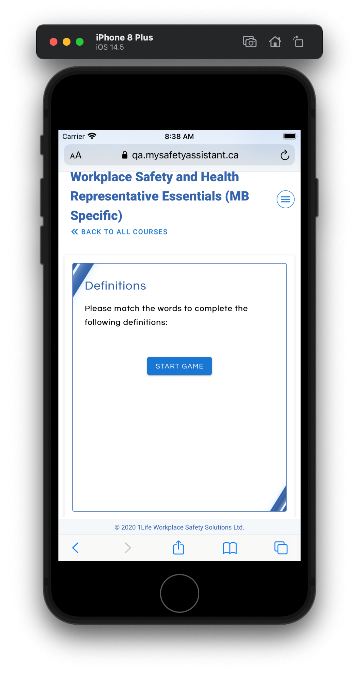
We’ve addressed issues with overflowing text on mobile screens – making your user experience more pleasant. As well, the following slide types have been updated to be compatible with mobile screens:
- Sequence game
- Multiple Choice
- Fill the Blanks
These updates will assist anyone completing the courses on their mobile device, allowing game navigation to be simple and easy.
Plus, other minor UI changes improving the overall user experience.